← Nanairo Palette Games日本語
A pixel-art picnic with Poko, a little drop-shaped fairy, and a girl in a straw hat

Pixel-art color by number

Pixel Nap: Color by Numberのアイコン

Pixel Nap: Color by Number

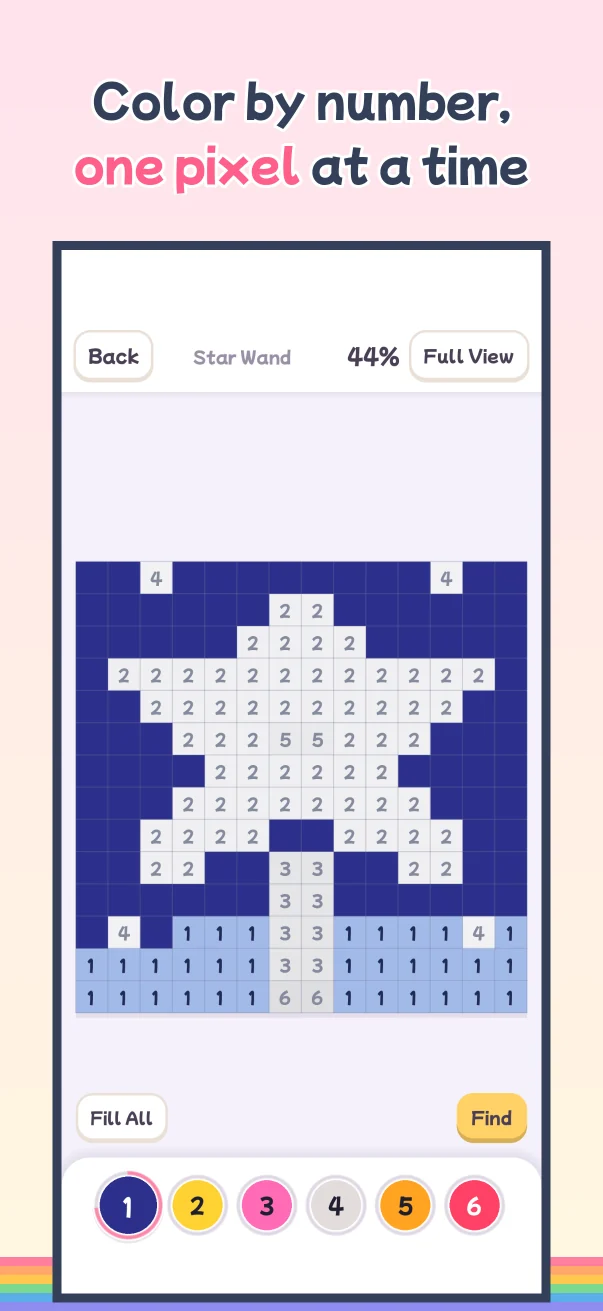
Color by number, one pixel at a time. A calm, no-pressure coloring game: pick a color, tap the matching cells, and watch your picture come to life.

Download on the App Store Free
  • iPhone (iOS 15 or later)
  • Free to play, with ads
  • 206 pictures
  • A new picture every day

ABOUT

Just follow the numbers

Pick a color from the palette and tap the cells with the same number. Drag one finger to fill several in a row.

No mistakes: cells with a different number simply don't fill.

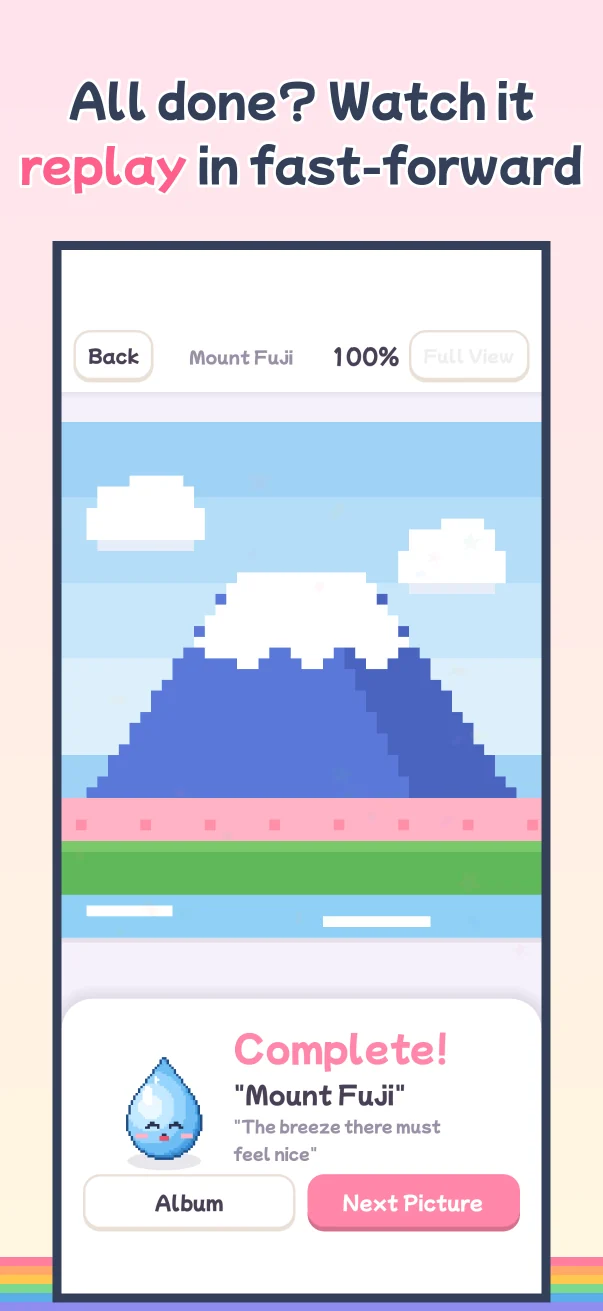
Fill every cell and the picture is complete. Watch it replay in fast-forward.

Fresh Bread, before coloring
Before
Fresh Bread, colored
After

“Fresh Bread,” an Easy picture. In the game, every cell shows a number.

Landmarks and famous art

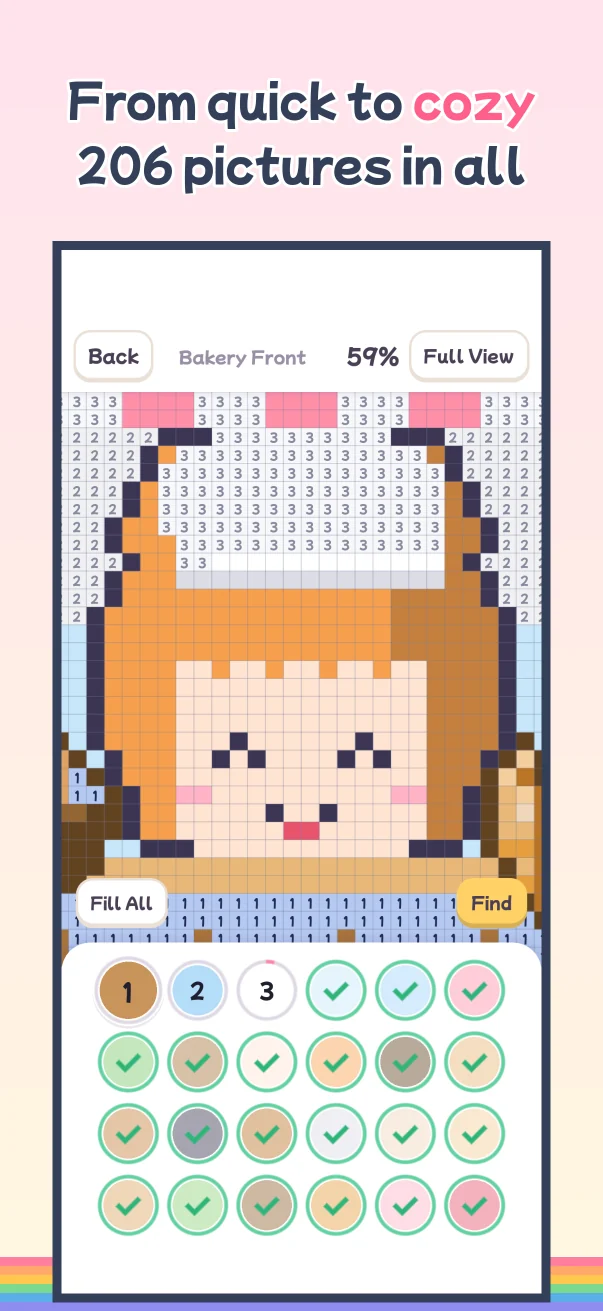
From Easy pictures (2–3 minutes) to Detailed scenes (about 30 minutes), plus landmarks and famous art.

Mount Fuji in pixel art
Mount FujiWorld landmarks
A great wave in pixel art
The Great Wave (Hokusai)Famous paintings in pixels
Poko in pixel art
PokoA friend from Irodori Village

← Swipe to see more →

Coloring screen
One pixel at a time
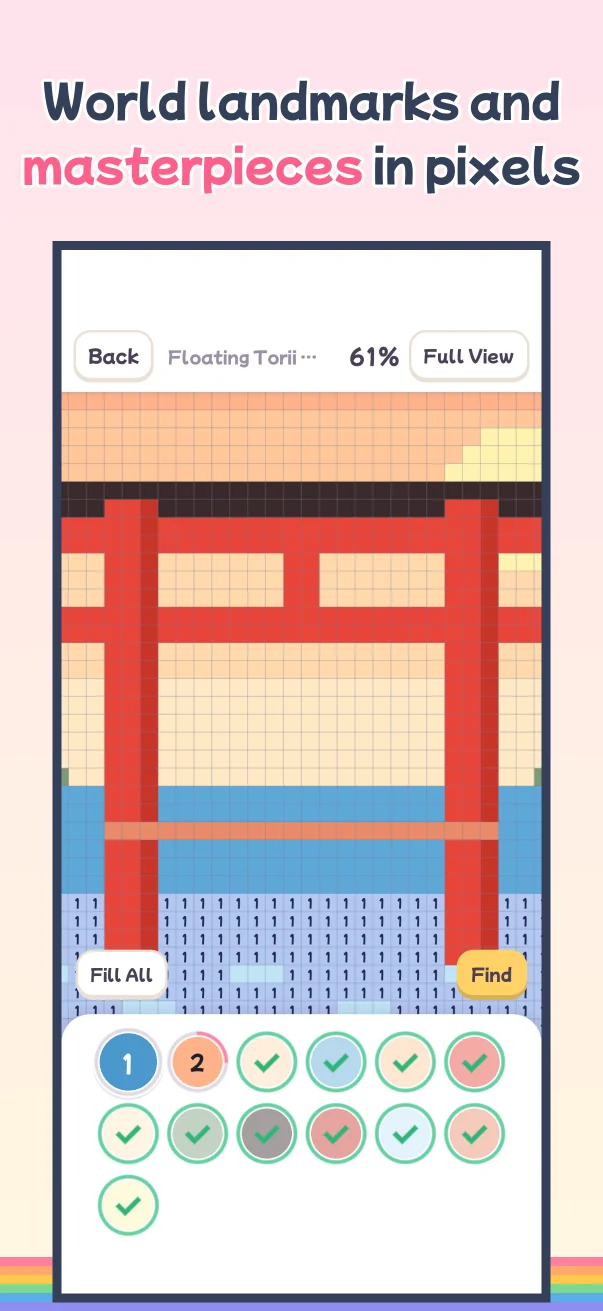
Sights and art
Landmarks and masterpieces
Detailed scene
Cozy detailed scenes
Finished screen
Replay in fast-forward
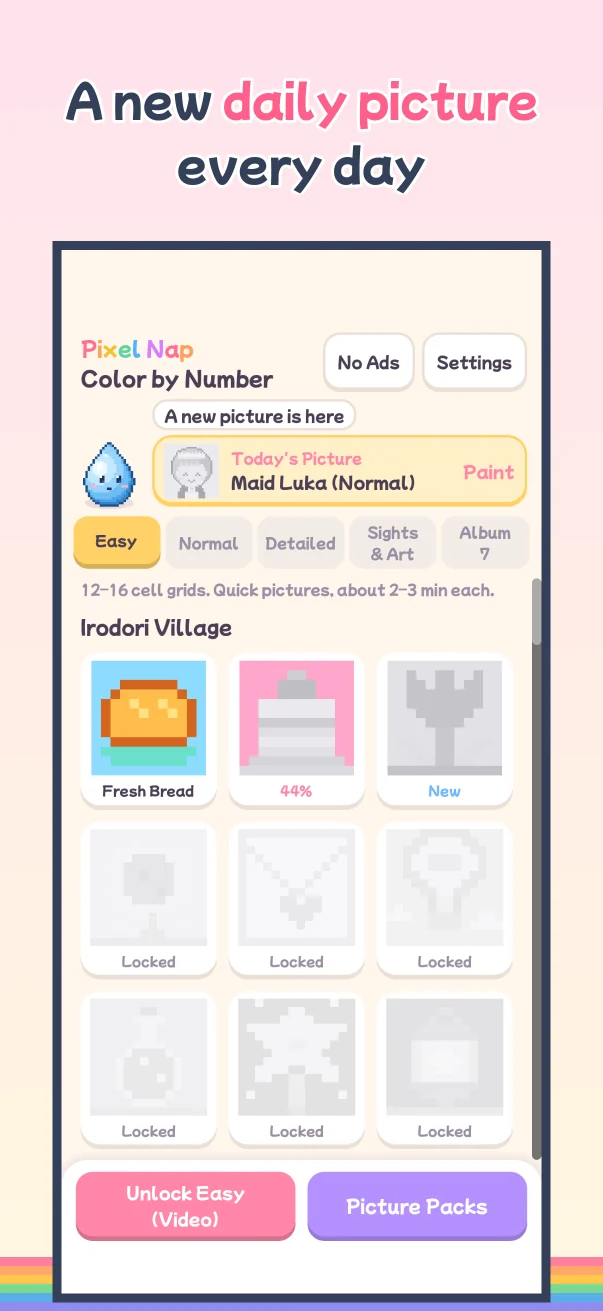
Home screen
A new picture every day
ぽこ

WHO IS POKO

Meet Poko

Poko is a little fairy shaped like a drop of color, and the guide to all of Nanairo Palette Games.

In this game, Poko chats with you on the home screen and cheers when you finish a picture.

Hi, I'm Poko! Let's color today's picture!

FEATURES

Calm, no-pressure coloring

For a quiet break or the end of the day.

  • No mistakesCells with a different number simply don't fill.
  • 206 picturesEasy, Normal, Detailed scenes, and Sights & Art.
  • Landmarks and artWorld landmarks and famous paintings (Hokusai, Van Gogh, Monet), redrawn as pixel art.
  • Today's PictureA new picture arrives every day.
  • A little guideA little guide on the home screen cheers you on when you finish a picture.
  • Saved to iCloudYour pictures are saved to iCloud, so they come back on a new iPhone with the same Apple Account.

HOW TO PLAY

How to play

Simple to start.

  1. PickPick a color from the palette at the bottom.
  2. FillTap cells with the same number. Drag to fill several in a row.
  3. FinishFill every cell and watch it replay in fast-forward.

PRICE & ADS

Price & ads

Good to know before you start.

Price
Free to play. No Ads and the Halloween (5 pictures) and Christmas (10 pictures) packs are optional one-time purchases. No subscriptions.
Ads
No ads while you are coloring. A full-screen ad appears once every 3 finished pictures, after you tap a button on the finished screen.
Videos
Watch an optional video to unlock a new picture early or to fill all cells of one color at once. With No Ads, you can use these without videos.

Q&A

FAQ

Need more help? Visit Support.

Is it free?

Yes, it is free to play with ads. No Ads and picture packs are one-time purchases.

What if I tap the wrong cell?

Nothing happens. Cells with a different number simply don't fill.

Can I move my pictures to a new iPhone?

Yes. Your pictures are saved to iCloud and come back with the same Apple Account.

Is there an Android version?

Not yet. It is available on iPhone (iOS 15 or later).

A pixel-art cafe scene

One calm picture a day

Pick a color and fill it in, one cell at a time.

Download on the App Store Free